Skeeetch Release Notes
What's new, what's fixed, and what to try.
May 31, 2026
New tool: Tilt-shift blur. (shortcut U) Drag a line on the canvas and the rest of the image softens around it, photo-style.
Three blur flavors. Soft (photographic gaussian, the default), Pixel (chunky retro blocks), or Smear (motion blur along the focus axis).
Hold Shift to constrain. Works across the angle-based tools (line, arrow, and the tilt-shift focus line snap to 45°) and the rectangle (locks to a square).
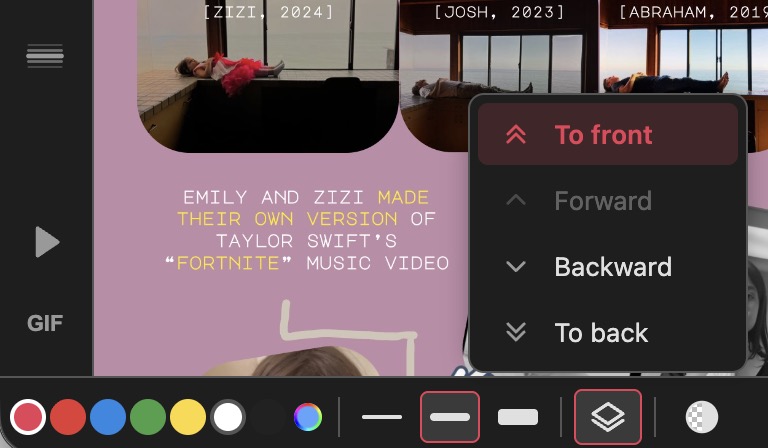
Layer ordering. Move layers up down all around.
Type inside rectangles. Double-click a rectangle (in select mode) and a centered text field opens up.
Photoshop-style pen cursor. Pen tool now shows a circle the size of stroke, with [ and ] to resize on the fly (Shift+bracket for bigger jumps). This was a real pain to get right!
Duplicate a project. Each row in the Projects modal now has a copy icon.
Animation Improvements:
- Pen tip follower. Make a colored dot follow each pen stroke as it draws.
- Tighter animation control. 0% overlap now actually means no overlap — strokes finish before the next one starts. And some other fixes.
- Estimated playback time. Now shows roughly how long the playback will take, updating live as you change options.
- Animation remembers the order you drew. Reordering layers no longer scrambles playback.
Small fixes:
- Pen tip stays glued. Marker now sits at the visible tip of the pen line all the way through the draw-on, no drifting.
- Adjustable tip size. New "Min tip size" slider in the animation panel — bumps up the tip dot so it stays visible on thin strokes.
- Custom swatch redesign. More visible rainbow ring; the disc color no longer leaks past the ring on the outside.
- Opacity picks up your last shape. Click the opacity tool with nothing selected and it grabs the most recent thing you drew or edited.
- Custom swatch acts like a swatch. Clicking it applies the saved custom color immediately, instead of forcing a slider drag to confirm.
- Layer default mode is per-tool. Setting "To back" while drawing with the pen sticks until you switch to another tool.
- Multi-select layer ordering. "To back" / "To front" now stay enabled when the selection includes one item already at that edge but the others aren't.
- Opacity icon stays solid. Used to fade with the slider value, which was really stupid.
- Colors apply to text inside rectangles. Was creating an outline instead of changing the fill.
May 8, 2026
Introducing Animation!!! Press the play button (or hit Space) to replay your image as a drawing. Bonus: no change in file size to make this happen!
Secret animation settings. Long-press the play button (or right-click) to open a panel with controls for speed, spacing, fade time, overlap, and looping.
Opacity! Change the opacity of any object with the new tool next to the stroke lines.
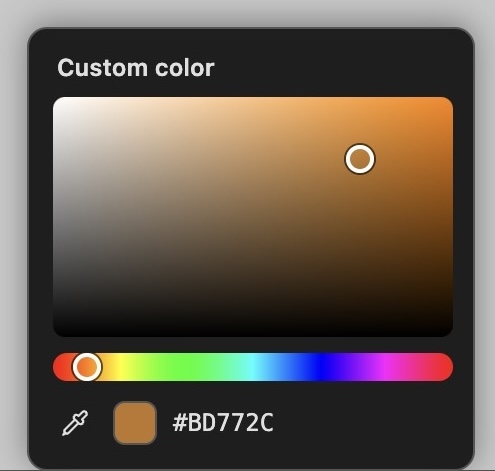
Custom color picker. The color row now ends with a rainbow swatch. Went through a bunch of ideas and ended up going in a Photoshop-esque direction.
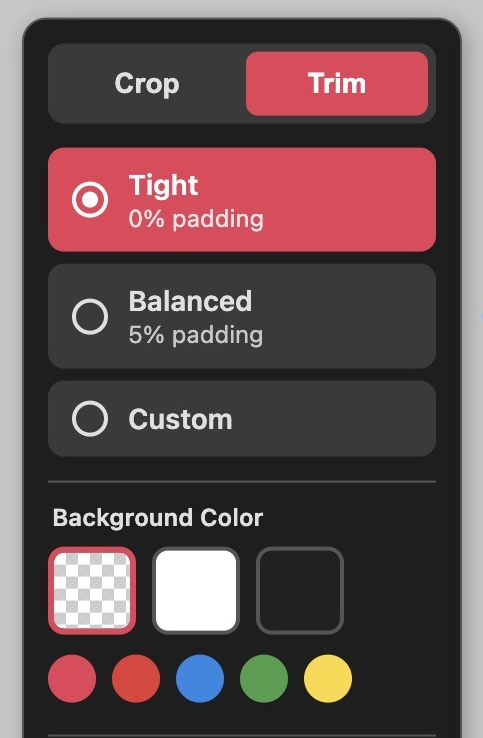
New trim tool. The crop tool now has a tab with "Trim" in it that will trim down to the closest pixel, or with added padding.
Mobile pan and pinch-zoom. Two fingers now move and zoom the canvas.
Small fixes:
- Trackpad gestures. Two fingers on a trackpad now pan and pinch-zoom the canvas on desktop.
- Undo covers tool settings. Changing the opacity slider or custom color is now part of the undo stack.
- Undo keeps your view. No more recentering the canvas when you've zoomed or panned in.
May 1, 2026
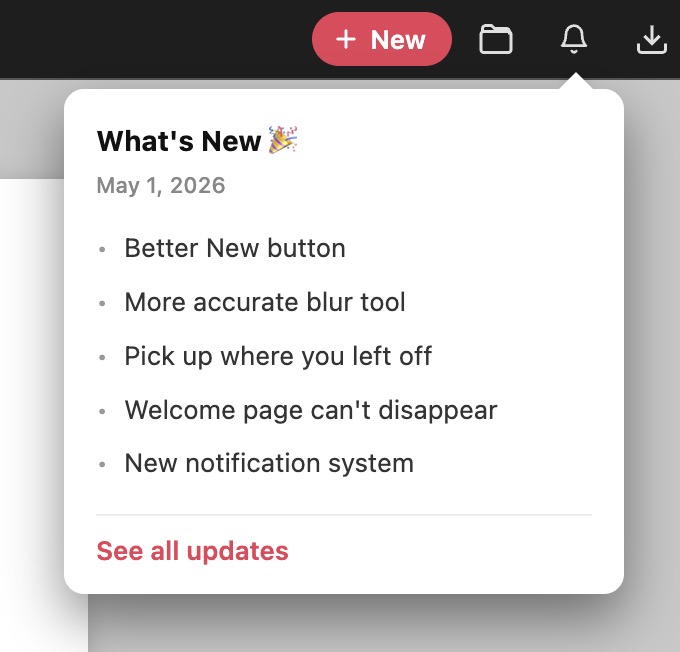
New notification system. Now you get a little unread notification when there is an update to the app.
Smarter clicks on hollow shapes. Clicking inside a hollow rectangle now selects whatever is actually visible there, instead of grabbing the empty rectangle.
Cmd/Ctrl-click cycles the stack. Holding Cmd (or Ctrl on Windows) and clicking the same spot steps down through stacked layers — useful for grabbing something hidden behind a solid object.
Crop tool fixes. The crop now lines up exactly with the canvas, and the resize handles sit out in the gray pasteboard around the canvas instead of clipping at the edge. Drag a freeform crop past the edge and the canvas grows to match.
Better New button. Creating a new project is easier than ever with a hard-to-miss button — a big improvement over the black-and-white plus sign.
April 30, 2026
More accurate blur tool. The mosaic blur now lands exactly where you drag it. No more mysterious offset.
Pick up where you left off. Reopening Skeeetch now restores the last project you had open, even if you didn't edit it. Your changes are also saved when you close the tab, not just every couple of seconds.
Welcome page can't disappear. The welcome project lives on the site now, so it's always at the bottom of your projects list — even if you delete it by accident.
April 29, 2026
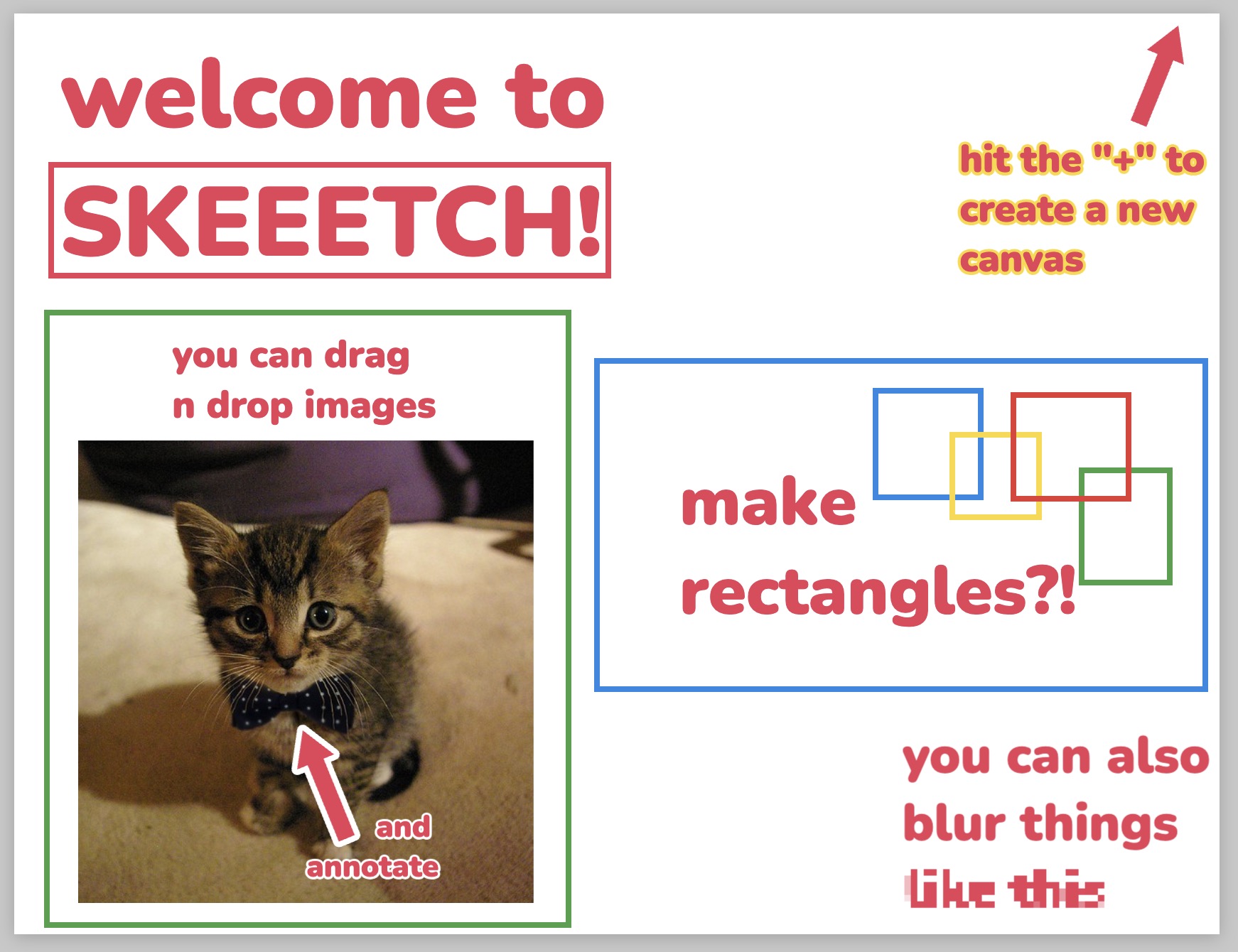
Welcome template. First-time visitors now open into a guided welcome project that shows off what Skeeetch can do.
April 28, 2026
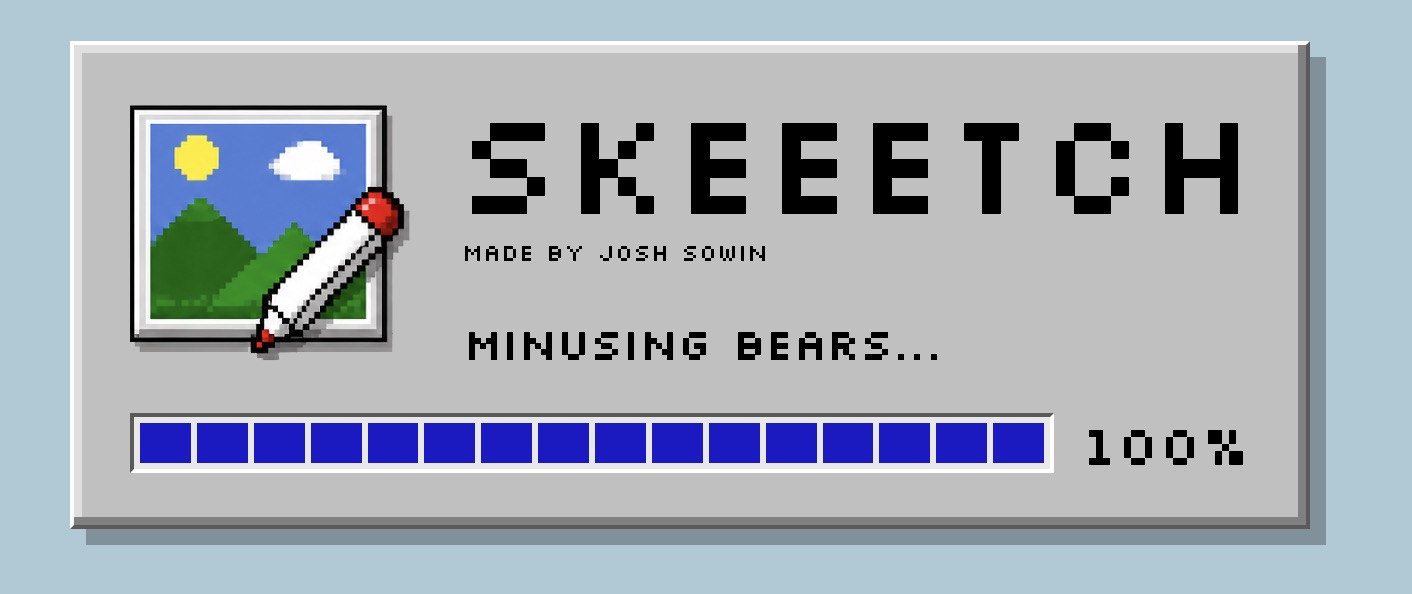
New loading screen. This is not really necessary, but yet it is.
Copy and paste. Select anything, hit Cmd/Ctrl+C, then Cmd/Ctrl+V to drop a duplicate next to it. Works for one object or a whole selection.
Export projects. Now you can export a project file with every layer and image preserved.
Mobile enhancements. The bottom toolbar no longer hides behind the URL bar, and the top and bottom bars now actually fit on a phone-sized screen.
February 5, 2026
Hello, world. Skeeetch is born.